Need to see the latest on your Tickets-Center order? You can check anytime—it only takes a moment.
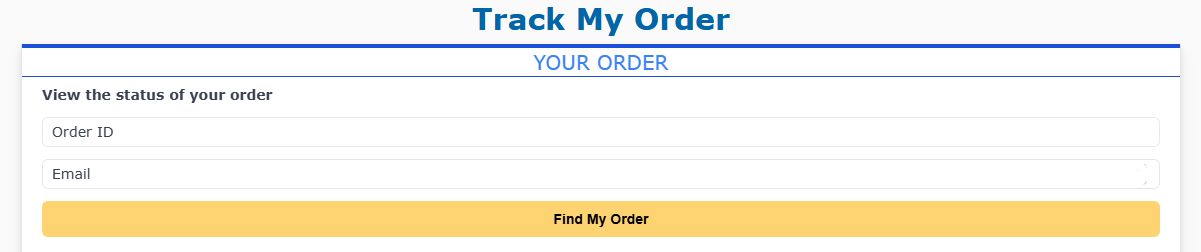
Step 1: Go to Track My Order
Use the order number and the same email address you entered at checkout.
Step 2: Watch for Updates
We’ll send you an email whenever your order status changes so you’re always in the loop.
Step 3: Didn’t See the Email?
Search your inbox, including spam and junk folders.
Still nothing? Start a live chat with us, and we’ll confirm your order details right away.
Tip: Keeping your email address up to date in your order info ensures you won’t miss important notifications.
Was this article helpful?
That’s Great!
Thank you for your feedback
Sorry! We couldn't be helpful
Thank you for your feedback
Feedback sent
We appreciate your effort and will try to fix the article